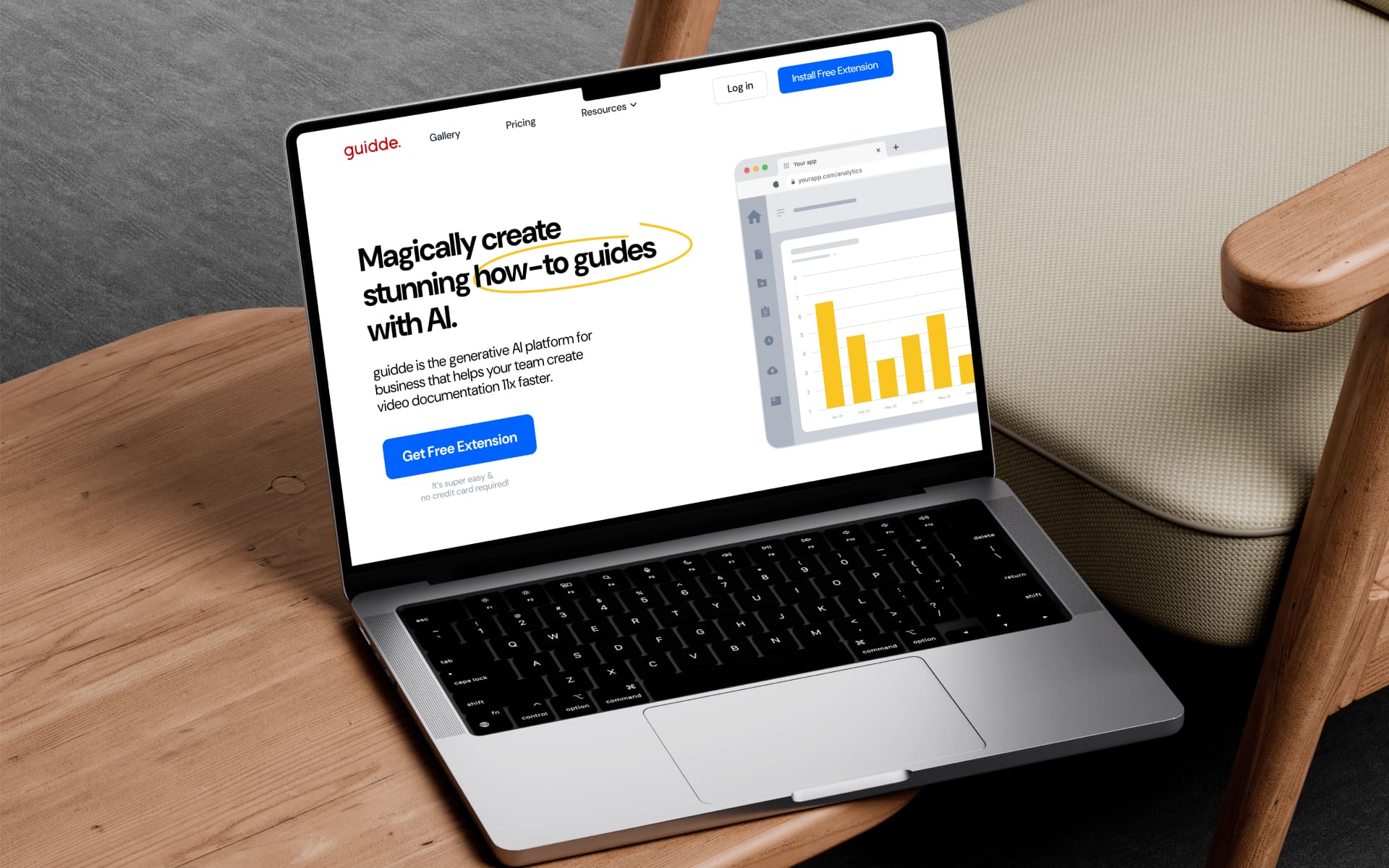
GUIDDE IS AN AI POWERED PRODUCT THAT TURNS SCREEN CAPTURES INTO VIDEO AND DOCUMENTATION GUIDES
Guidde raised $30M in total funding. Used by 100,000+ users across 2,000+ companies. Adopted by fast growing SaaS and enterprise teams.
Teams create video and document guides faster. Onboarding and training time is reduced. Knowledge stays consistent and easy to update.
editor
THE Problem
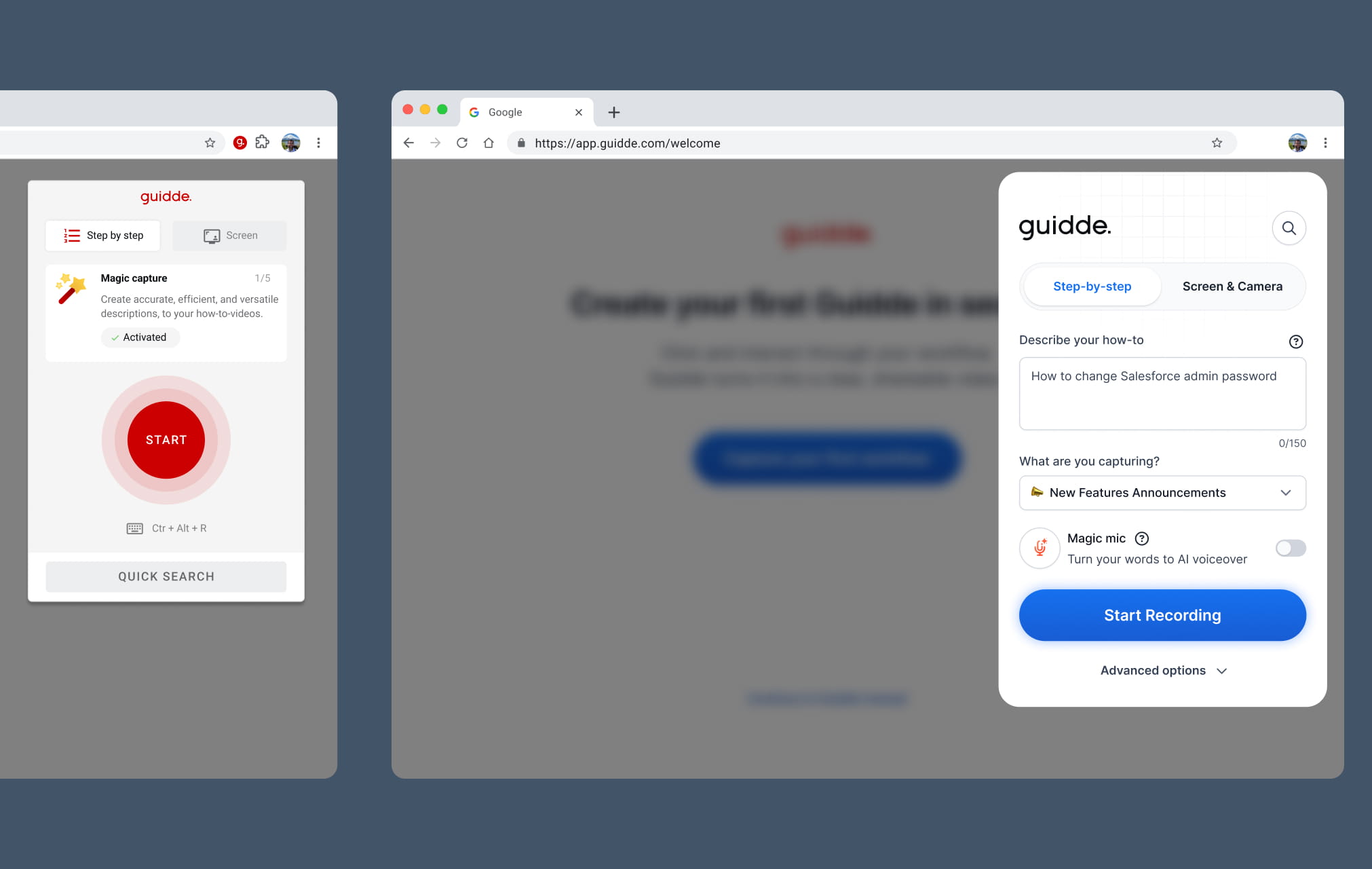
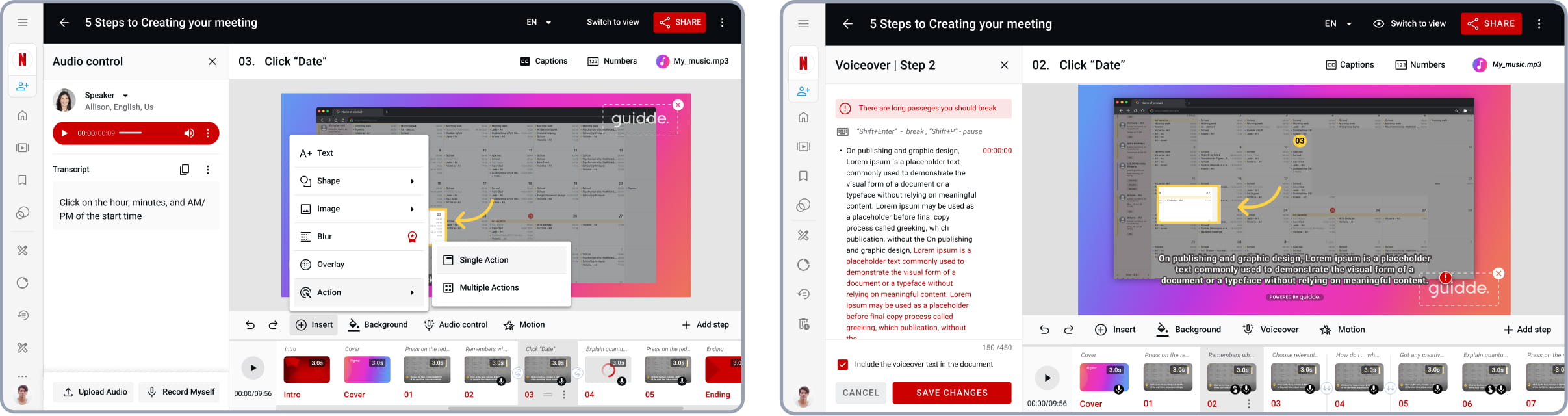
The legacy extension lacked essential recording controls, including a microphone toggle and category selection. Because users couldn’t record audio or set context during the capture phase, the resulting output was a basic series of steps rather than a professional, narrated video tutorial.
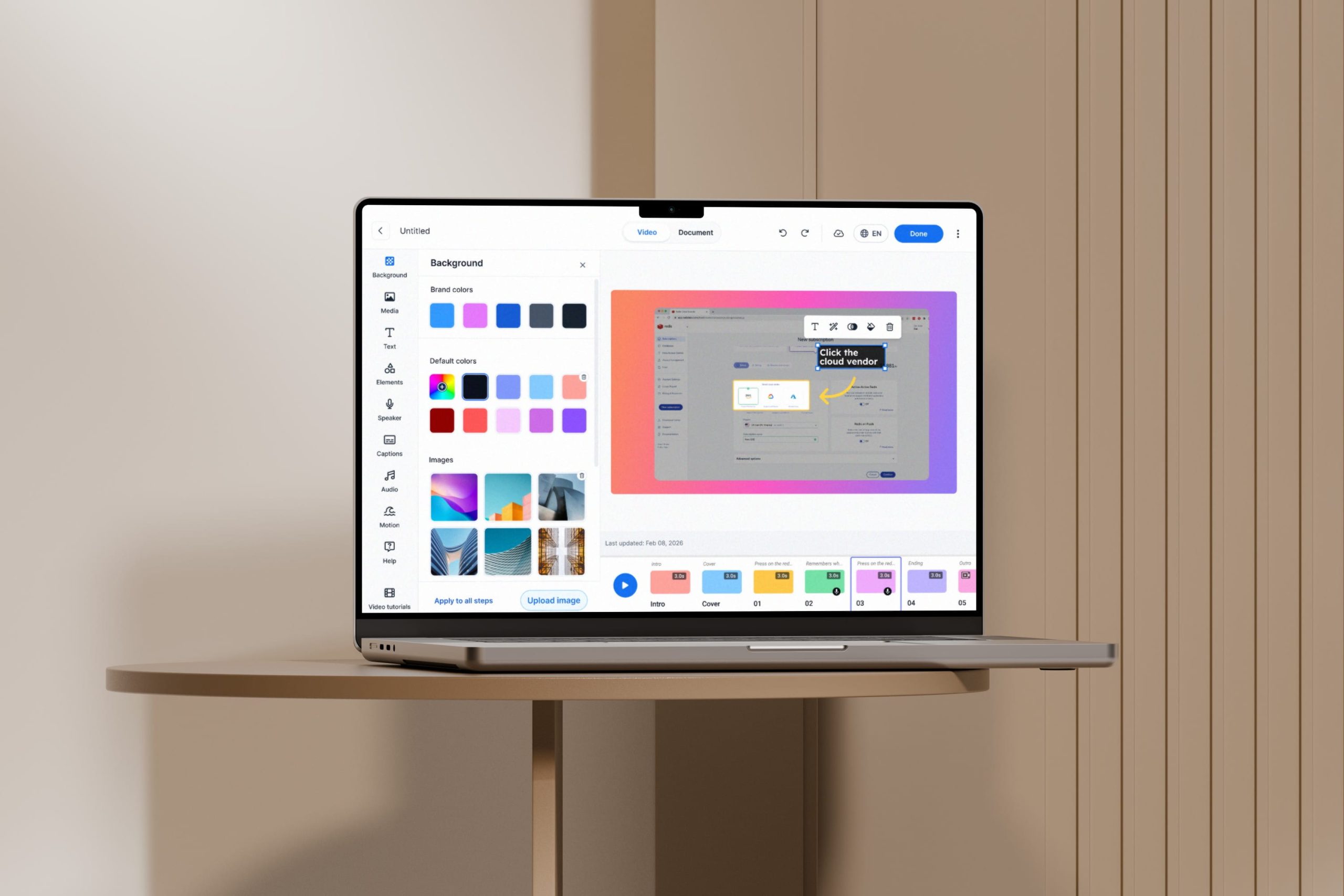
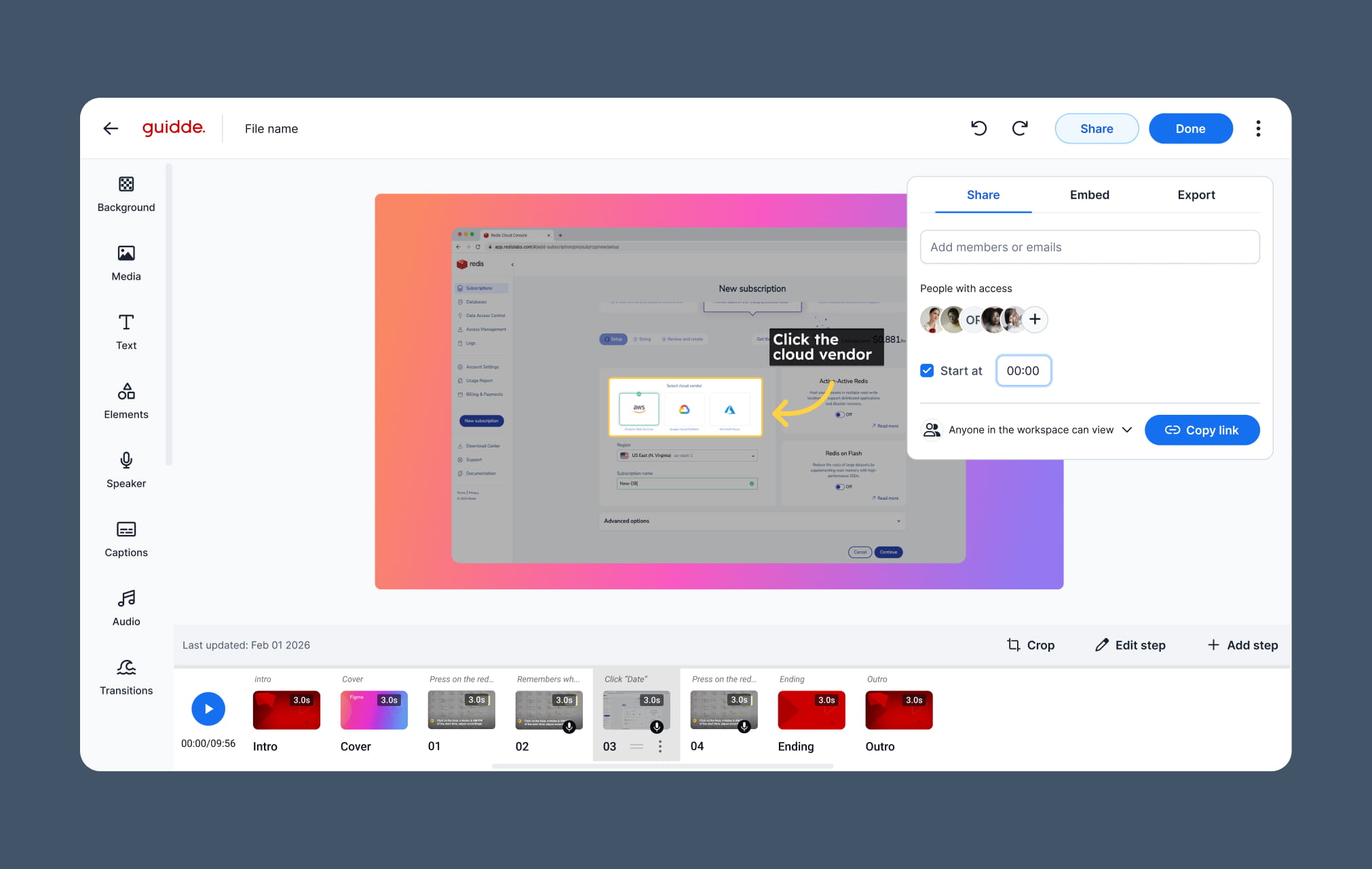
The editor lacked a unified sidebar, forcing users to manage typography, shapes, and document elements through a fragmented interface. Without a centralized workspace for design and AI tools, creating a polished, branded tutorial was an inefficient and manual process.
THE SHIFT FROM
STEP BASED FLOWS
TO DIRECT CREATION
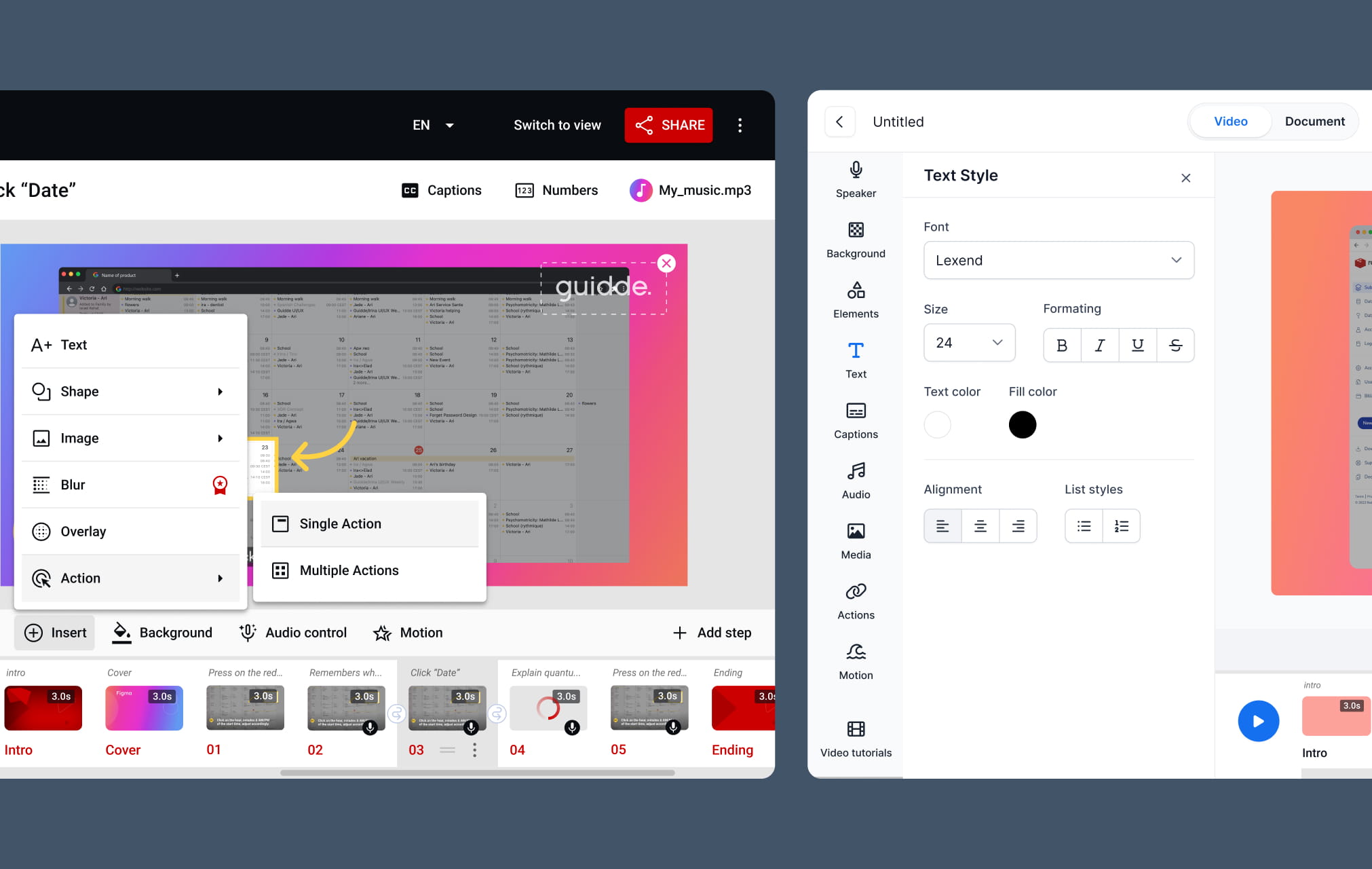
The original Guidde editor was built around step based flows. Each capability lived in a separate contextual panel. Creating guides required switching modes and navigating menus, which broke focus and made creation feel slow and procedural.
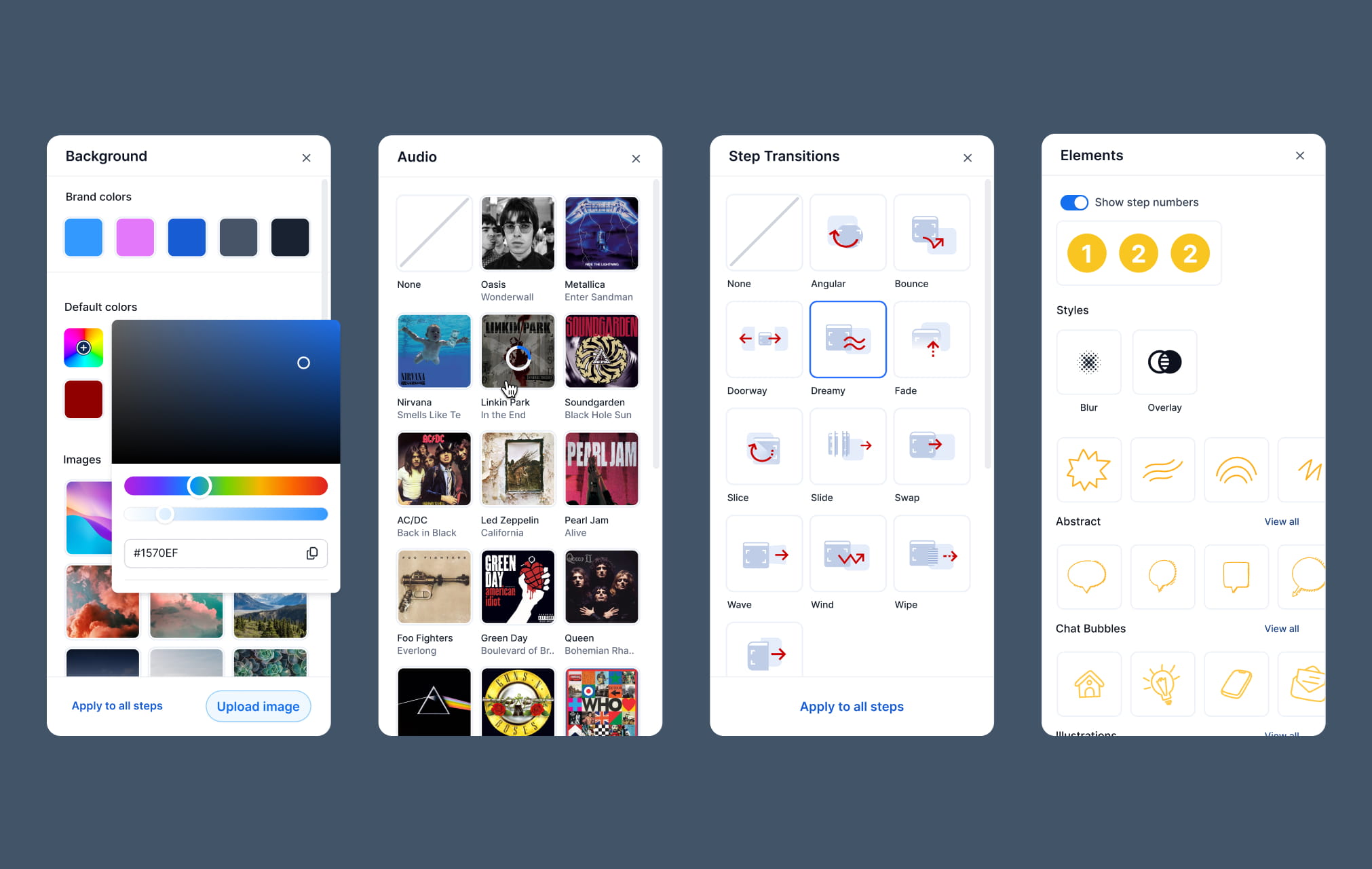
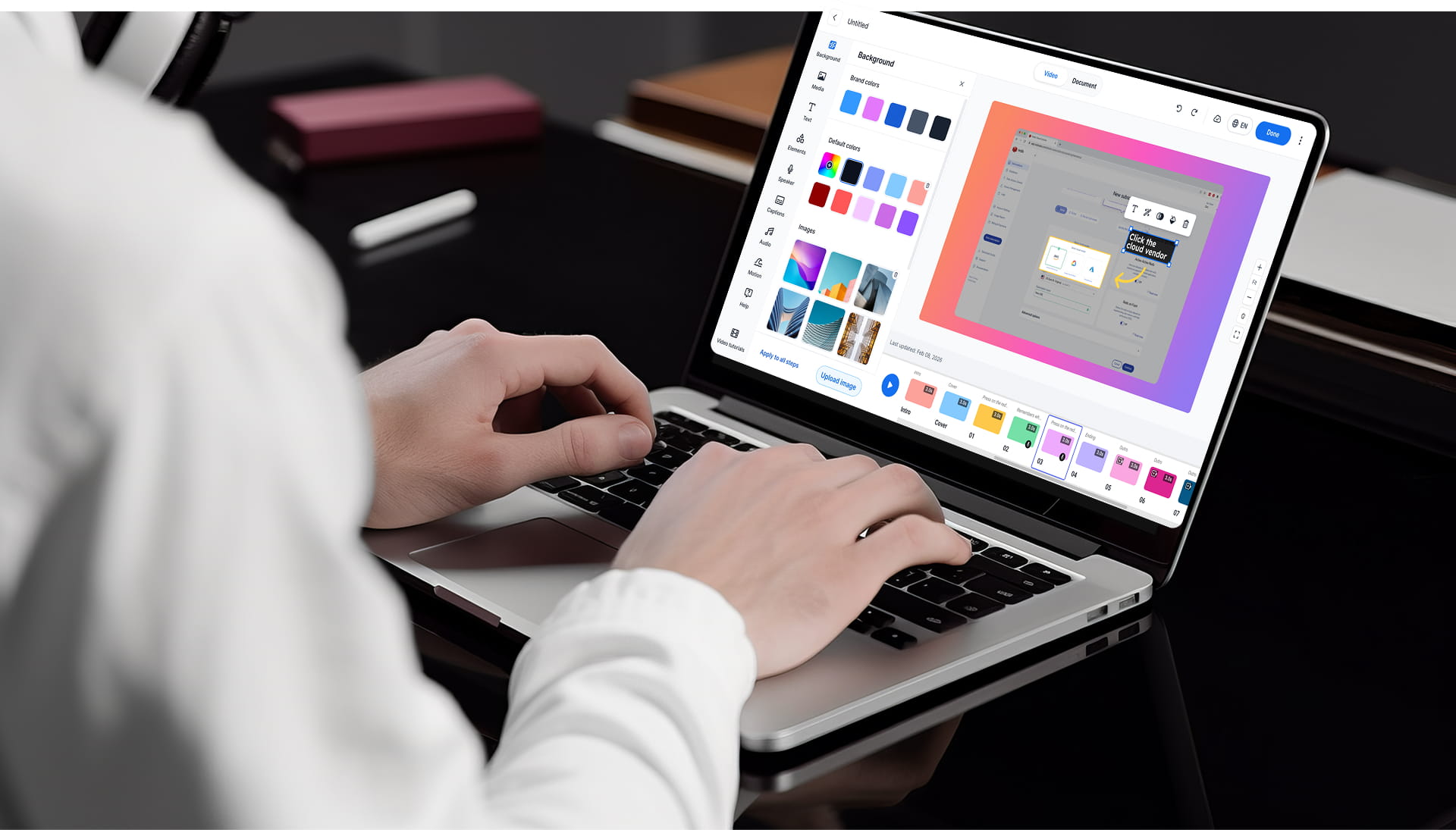
The new editor is built on a unified sidebar infrastructure. All tools live in one persistent space alongside the canvas. Users drag and drop elements directly into their guides, making creation visual, continuous, and easier to scale.
Old editor version before the redesign
New Panels
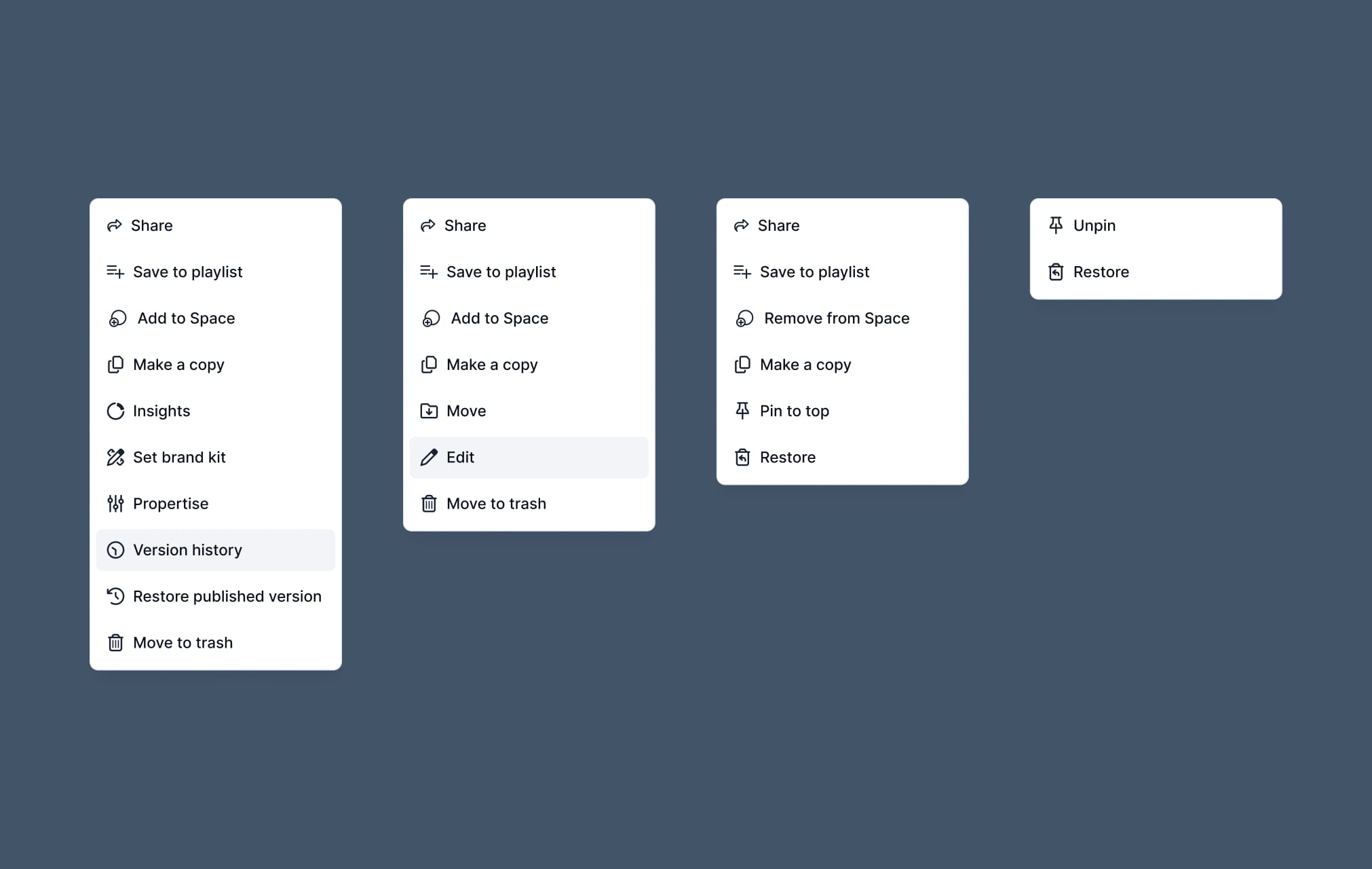
Right click
FROM OLD EXTENSION
TO NEW EXPERIENCE
Channels
THE Problem
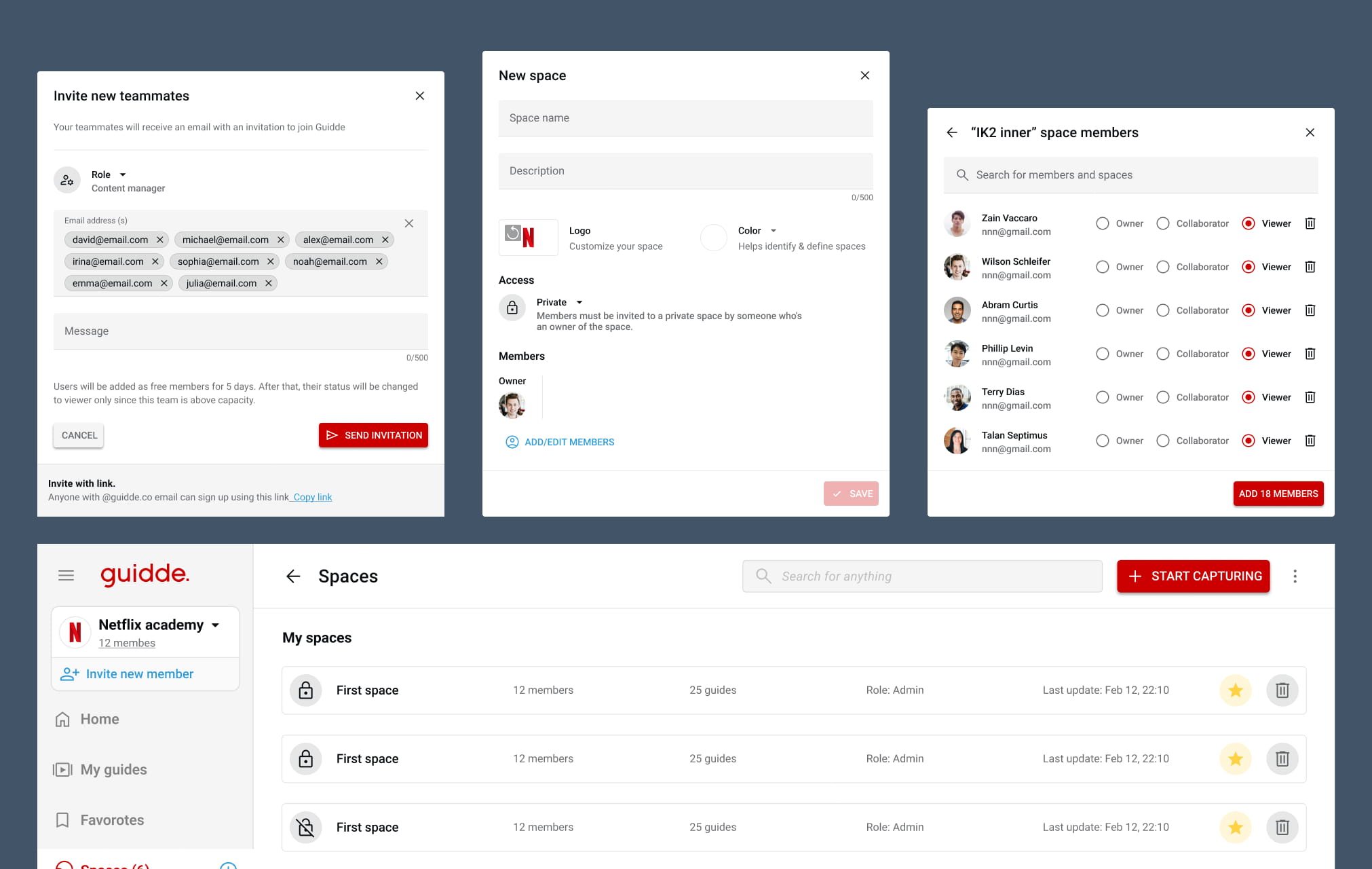
The legacy “Spaces” system lacked a clear hierarchical structure, making it difficult for growing teams to categorize and locate specific content. Users were unable to build distinct, modern destinations for different departments, leading to a cluttered video library that felt disorganized and unscalable as company content grew.
The original interface did not align with the mental models of the 70% of Guidde users who operate on PC. Without a familiar folder-based system, navigating through large volumes of video data felt unintuitive. The absence of a “Windows-style” directory made it harder for teams to collect, group, and manage their documentation using the organizational methods they already use daily.
Channels
THE SOLUTION
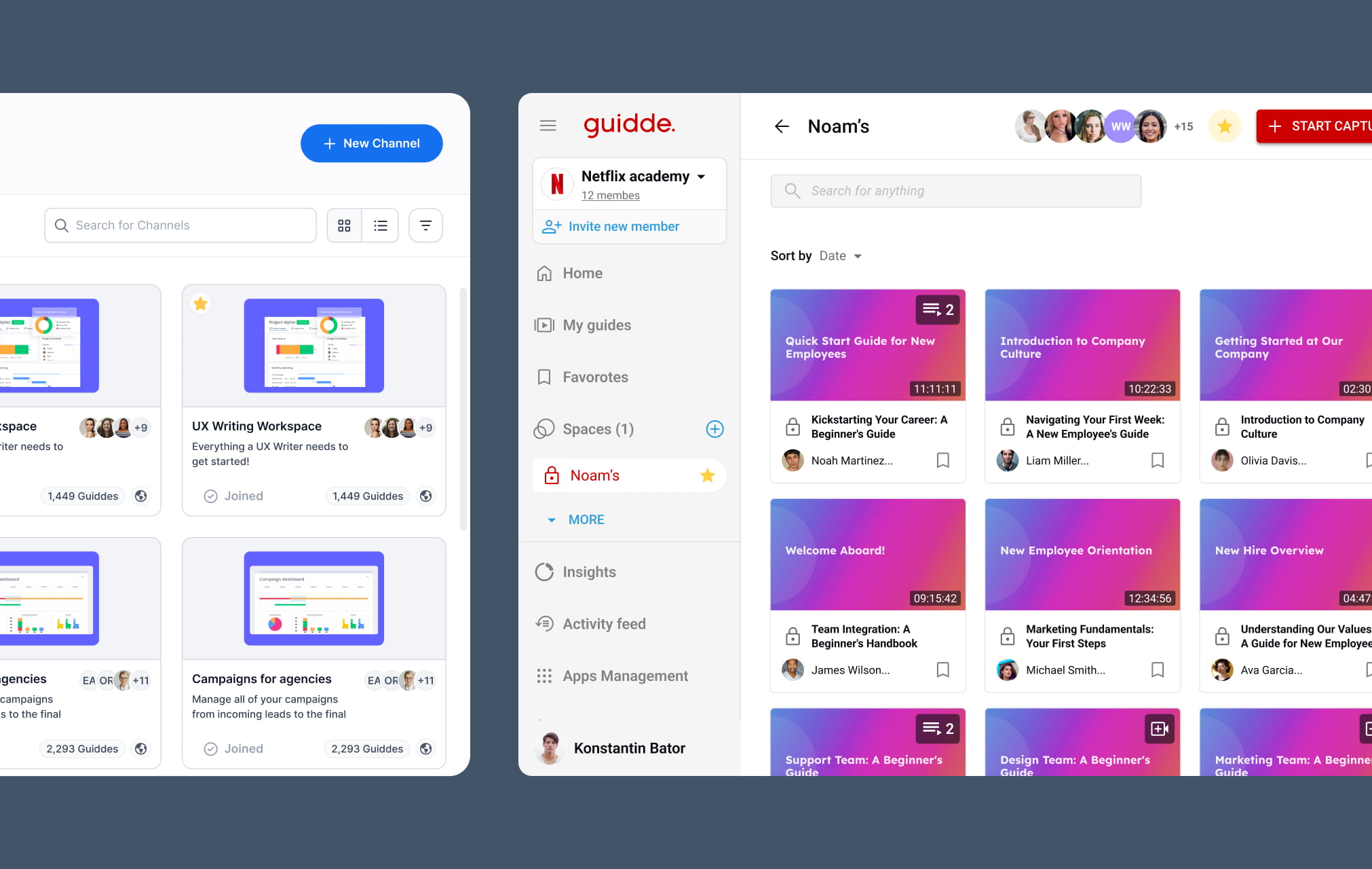
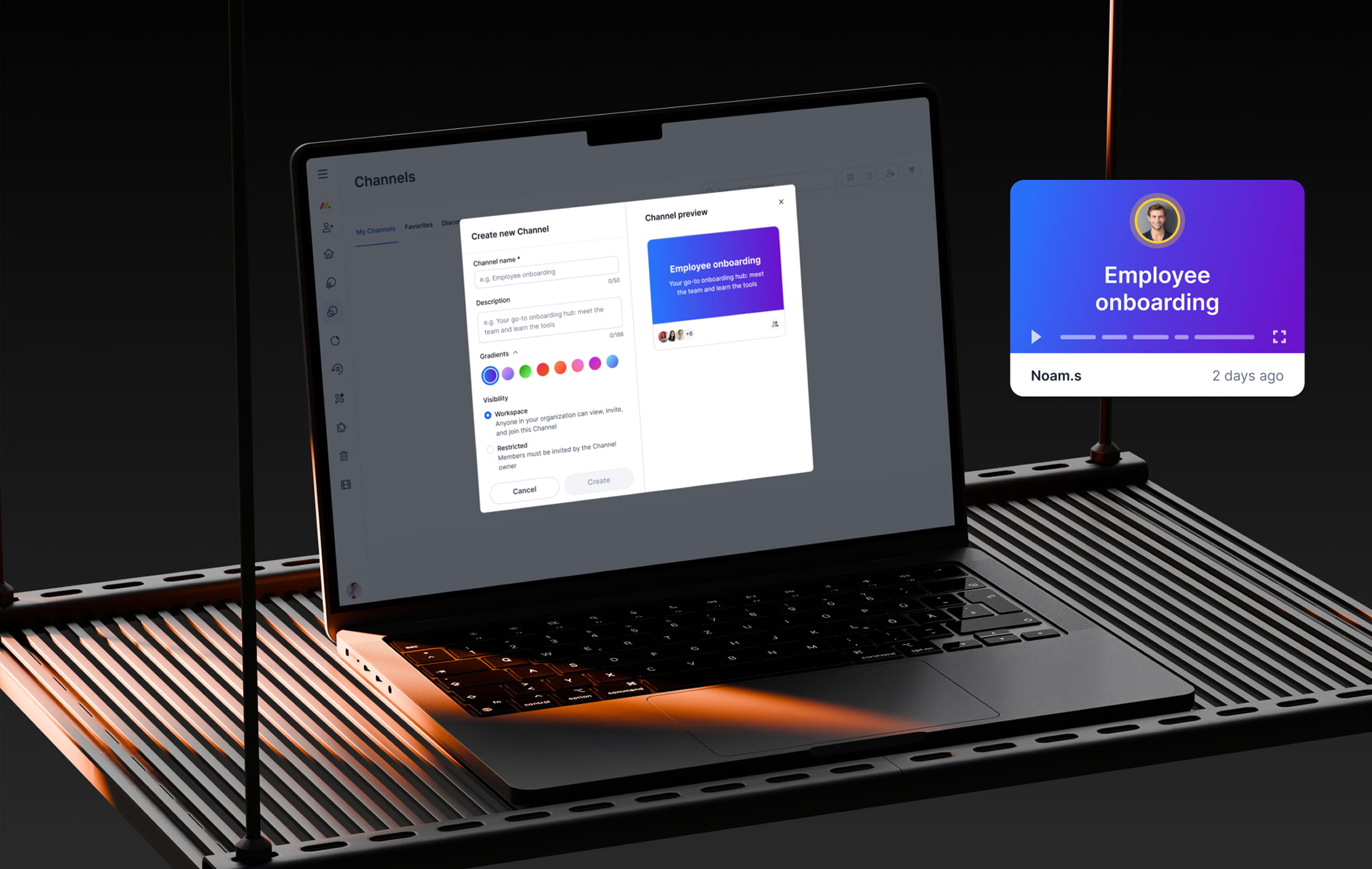
We introduced an intuitive creation flow that allows users to build branded Channels instantly. The interface provides a real-time preview of the title, description, and cover, enabling teams to customize gradients and colors to match their brand identity precisely while seeing exactly how the final result will look.
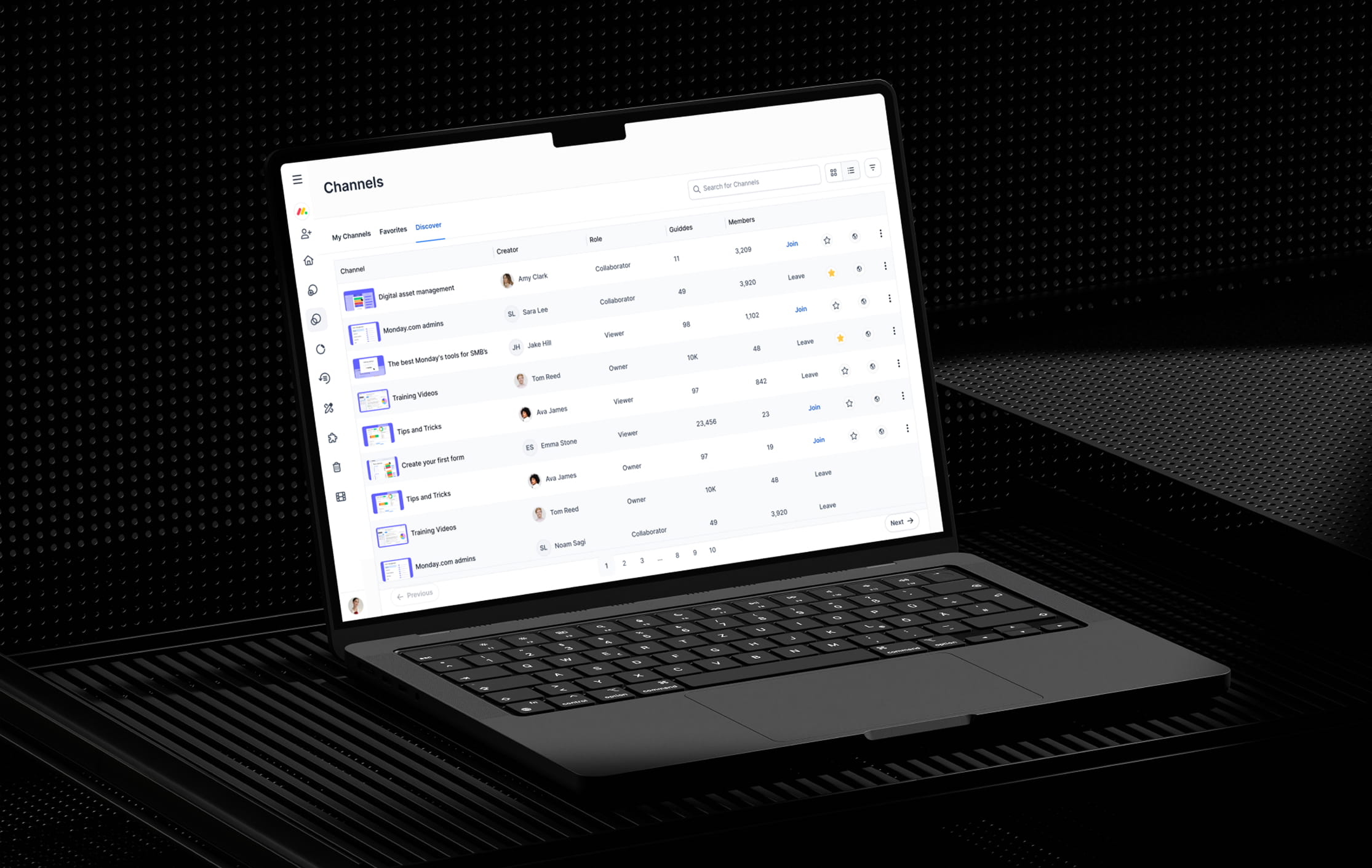
To support the 70% of users on PC, we implemented a familiar folder-based hierarchy for content management. This directory-style architecture allows teams to collect and organize videos into dedicated Channels by department or category, mirroring the efficiency of a native OS to make the experience seamless and professional.
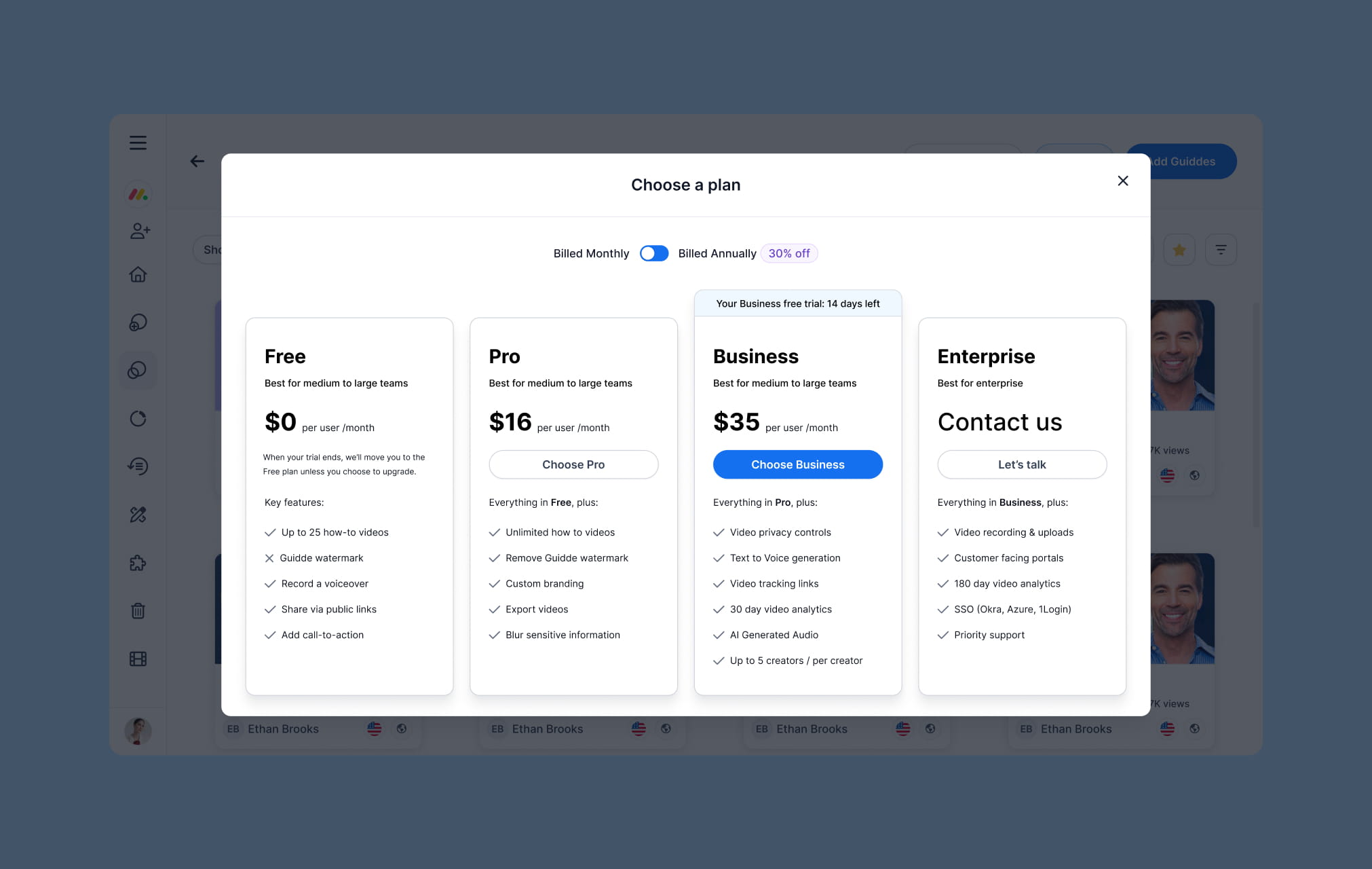
PRICING TABLE
FROM COMPLEX SETUP
TO CLEAR CHOICES
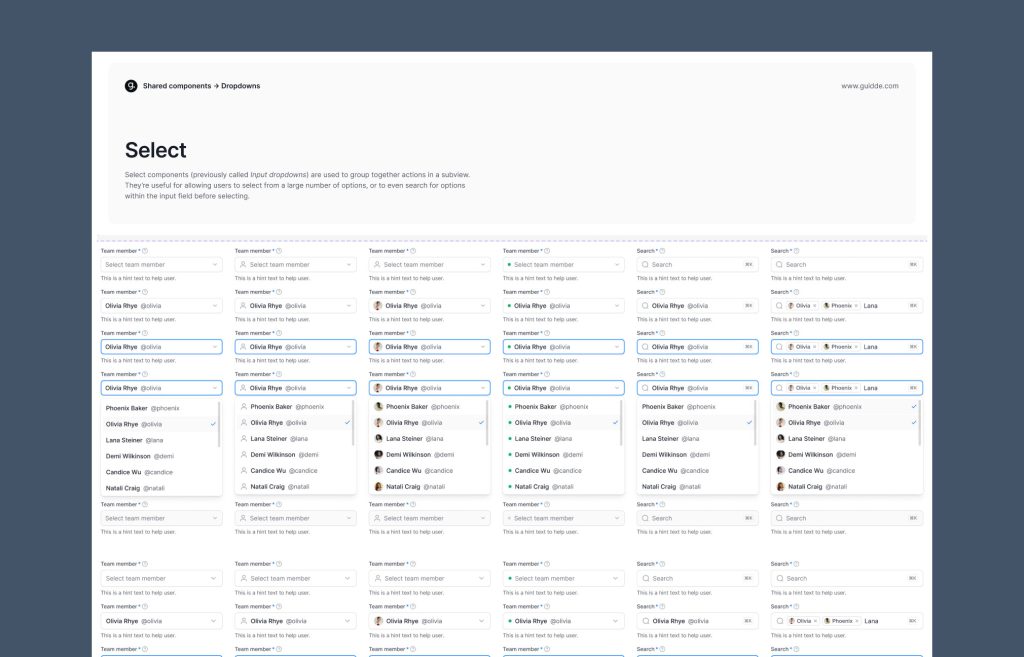
FROM NO DESIGN SYSTEM
TO A SHARED UI FOUNDATION
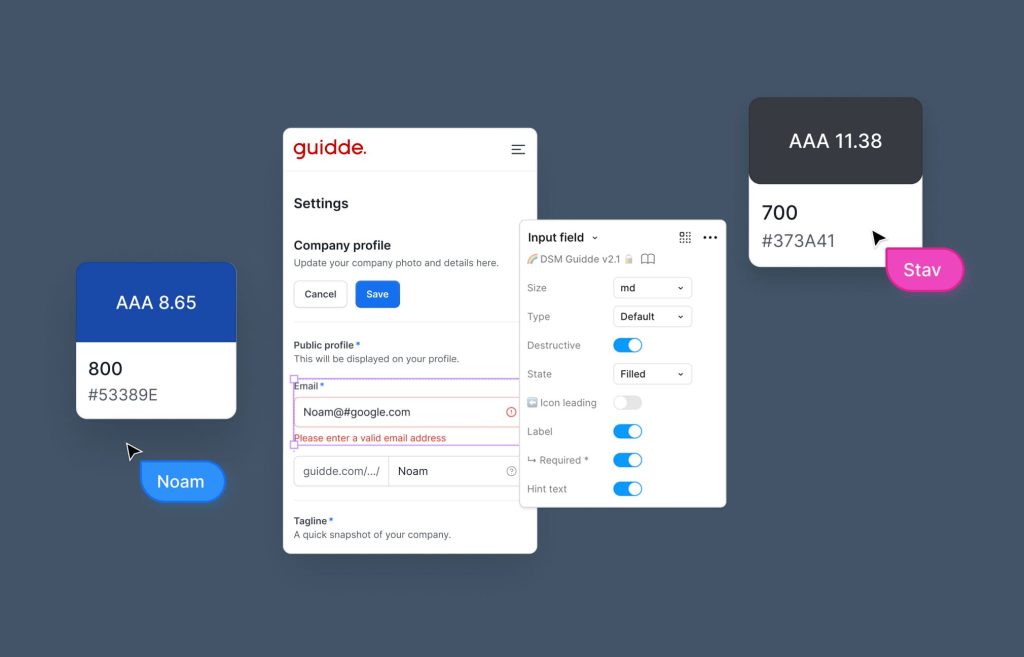
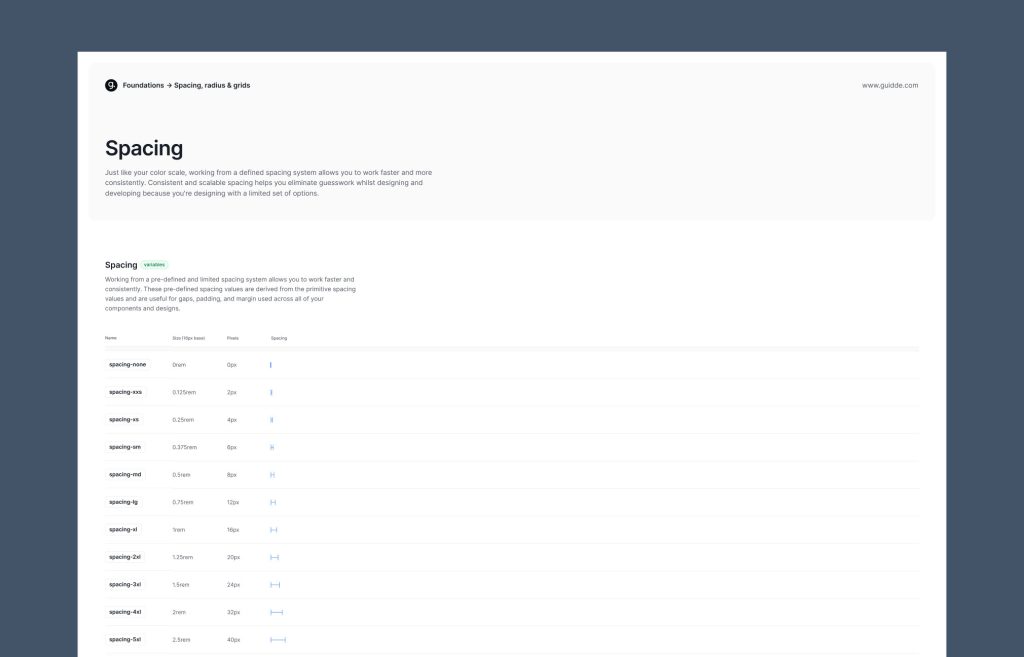
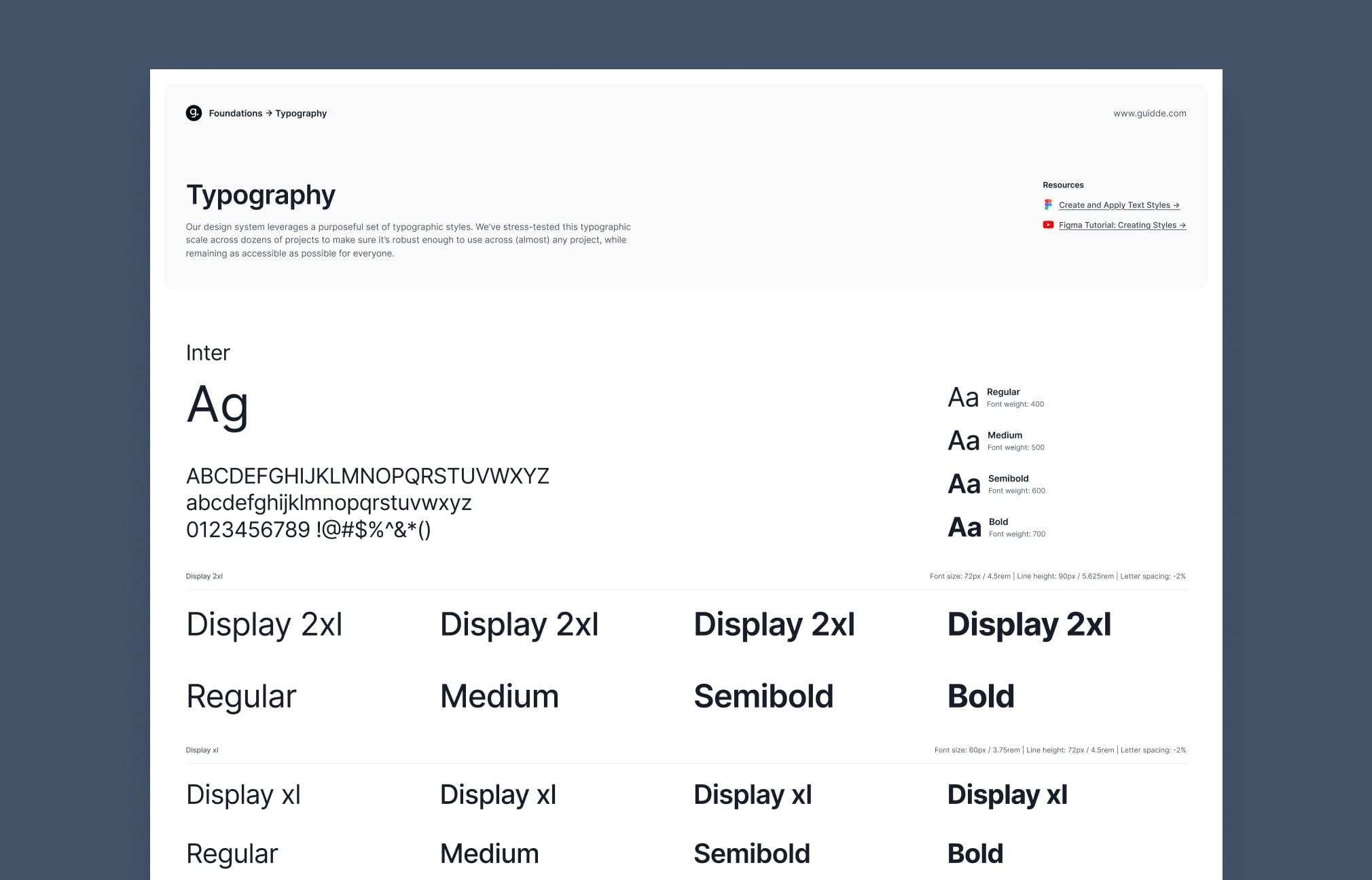
When I joined Guidde, there was no design system in place. UI was built feature by feature with duplicated patterns and inconsistent behaviors, slowing iteration and making alignment between design and engineering difficult as the product scaled.
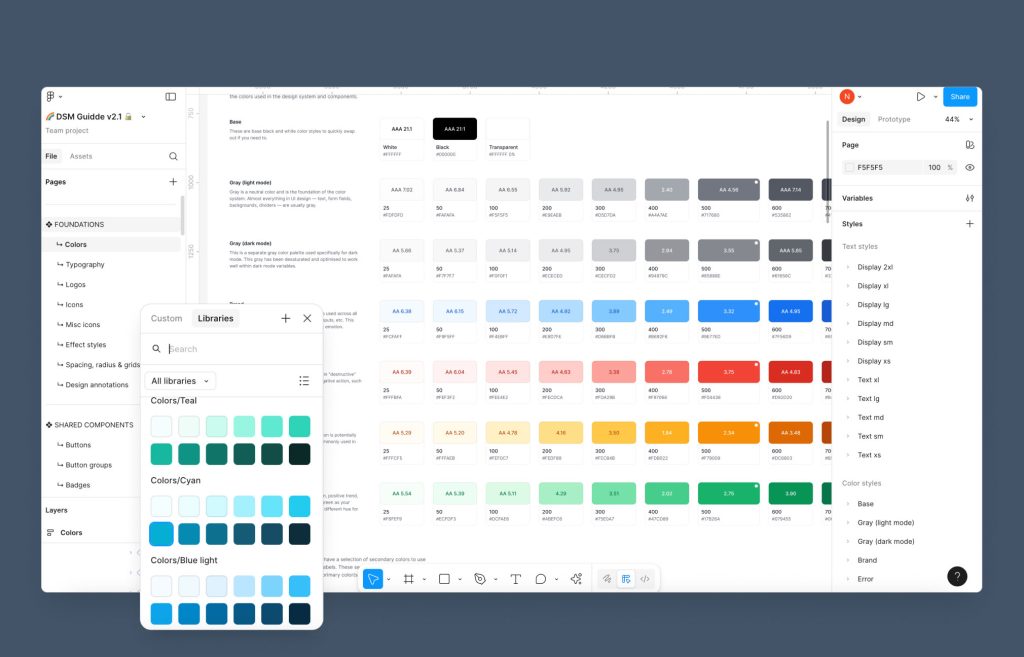
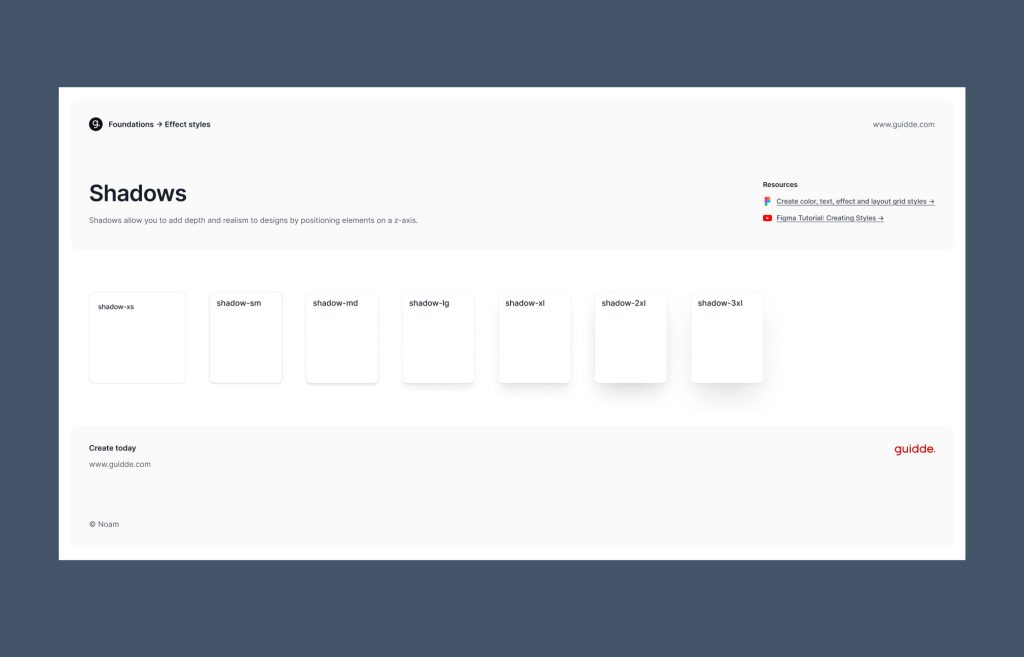
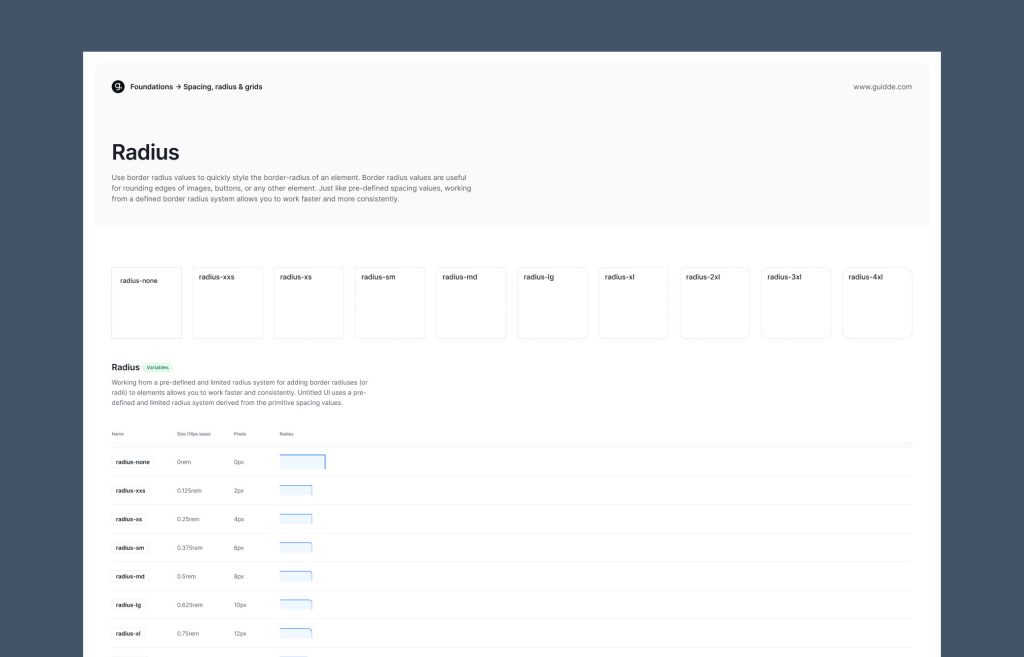
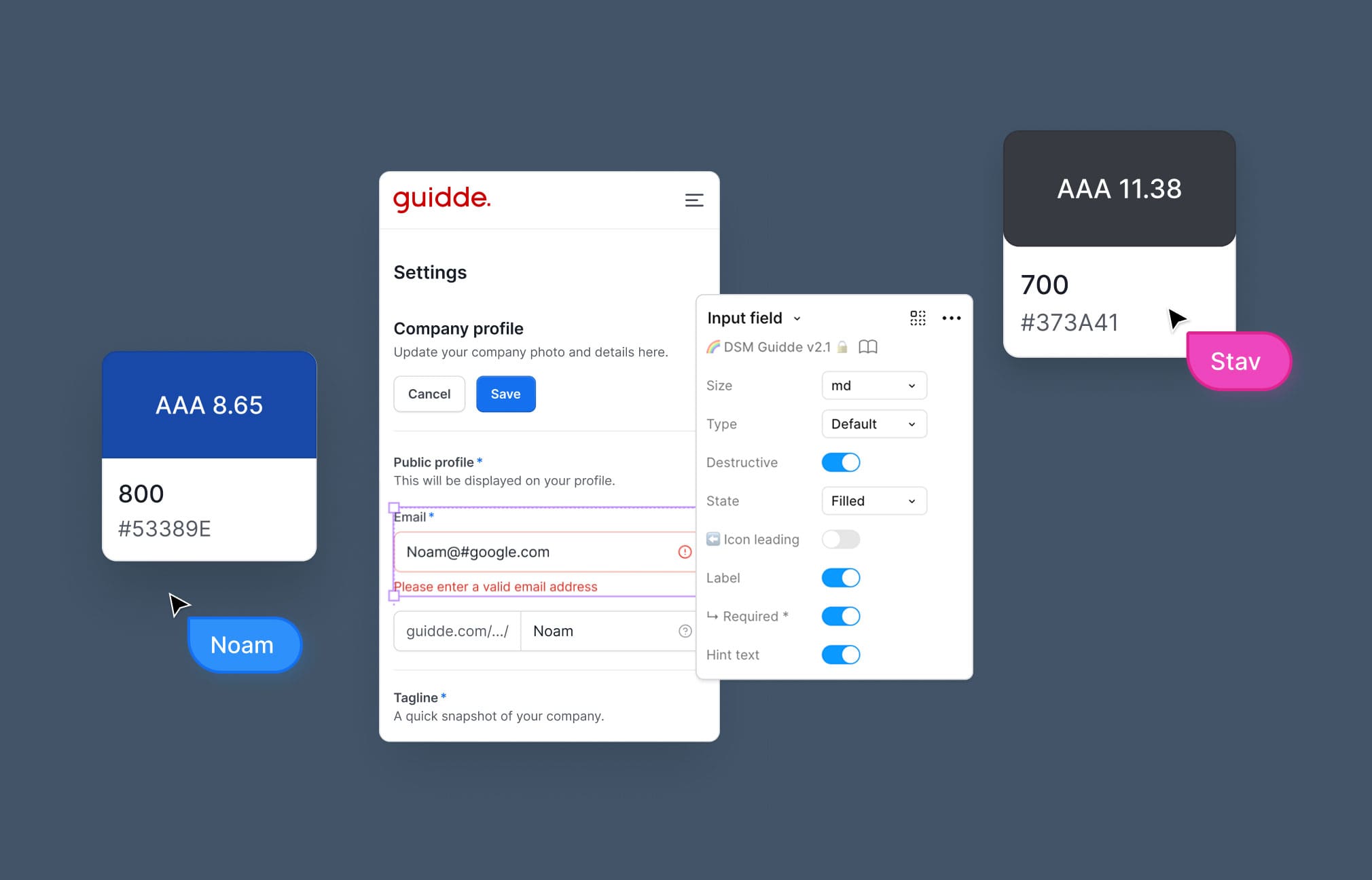
Within a few months, we built a shared design system with over 148 reusable UI components and full variations. Together with the VP of R&D, we formed a frontend team to own it, making every new feature consistent, faster to build, and scalable through Storybook.
PRIMARY COLOR #0062FF
Secondary Color #F8C521
TERTIARY COLOR #CB0000
DESIGN SYSTEM
IN ACTION
A behind the scenes look at the Guidde design system. This promo highlights how shared components, variables, and patterns power consistency, speed, and scalability across the product, enabling teams to build and evolve features with confidence.
Since you’re still here, let’s talk numbers
11x Faster Content Creation This is Guidde’s core benchmark. It compares the old way of manual editing (30–60 minutes) to the new AI-automated workflow (under 3 minutes) that you helped build.
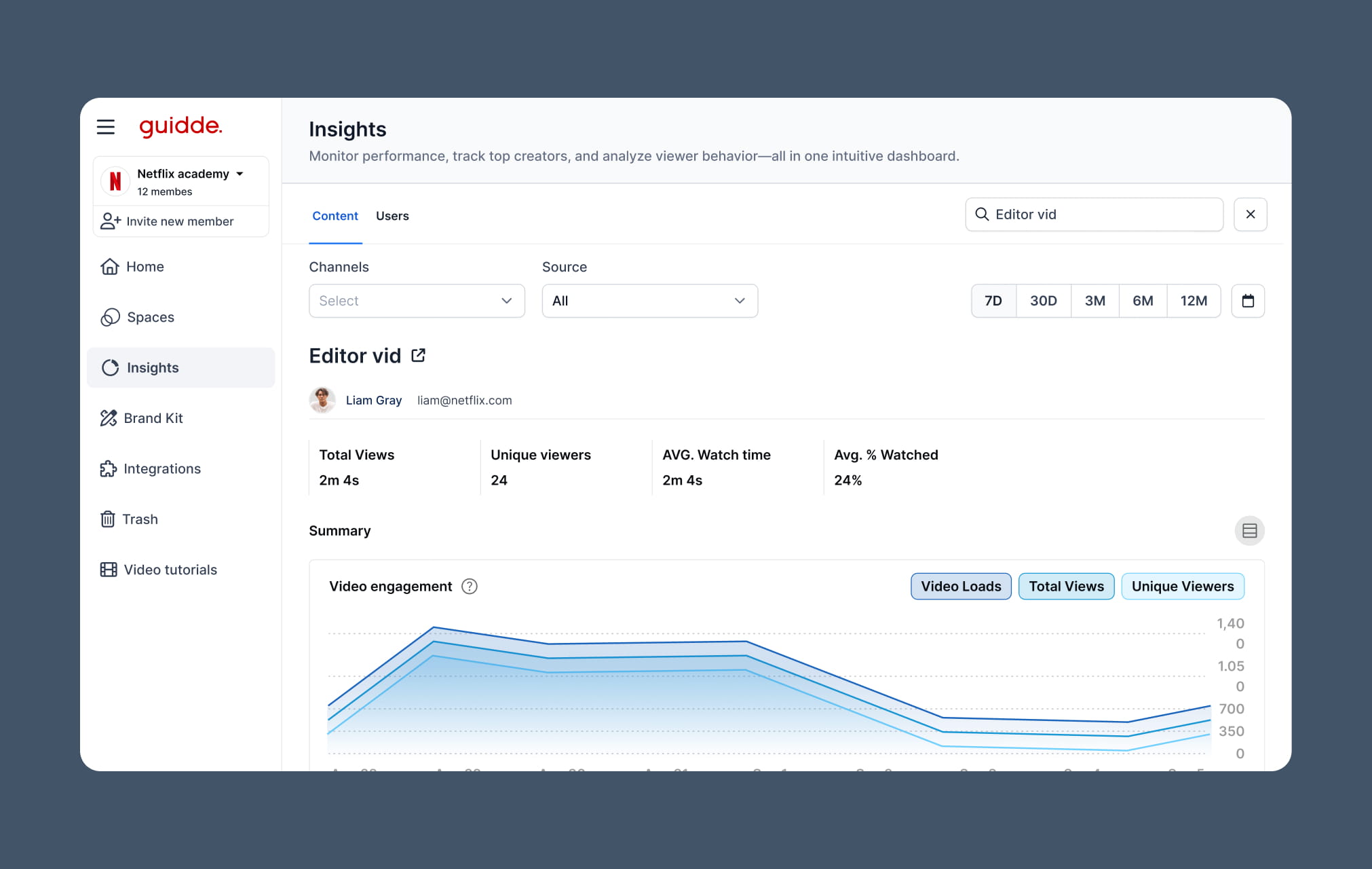
20%+ Reduction in Support Tickets: This is the direct result of the new Channels and Windows-style organization. Because users can actually find the videos now, they stop calling support for help.
31% Higher Knowledge Retention: Industry studies (like those from the Association for Talent Development) show that when you add the professional elements you designed-like the Magic Mic narration and clear typography/shapes-people remember the information much better than just watching a silent screen recording.
23% Faster Employee Onboarding: Because the new editor allows for “one-click” professional documentation, companies can now build entire training libraries in days instead of months, getting new hires up to speed much faster.